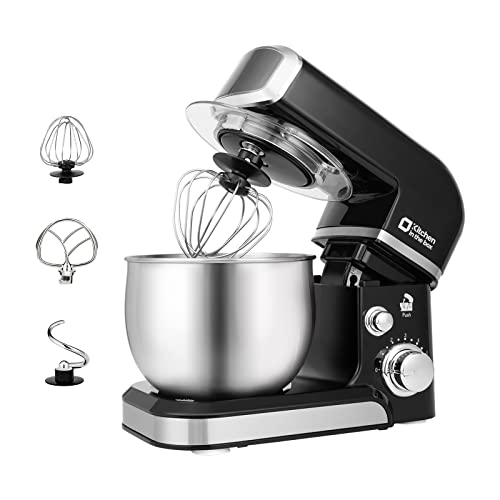
If your stand mixer is not working, the most common fixes are checking the power and outlet, making sure the head is locked down or the bowl is raised, letting an overheated motor cool, and checking for a jammed or overloaded beater. Many mixers also have a safety switch that stops them running if the head is not locked. This guide walks through the common reasons a stand mixer stops working and how to fix each one.
Check the power and outlet, lock the head or raise the bowl (the safety switch stops it otherwise), let an overheated motor cool, and clear any jam or overload. These fix most stand mixers that will not run.
Short Answer
Most non-working mixers are caused by power issues, the head not locked, overheating, or an overloaded beater. Work through each and the mixer usually runs again; persistent faults need service.
Stand Mixer Not Working: Common Fixes
| Problem | Likely cause | Fix |
|---|---|---|
| No power at all | Outlet, cord or fuse | Try another outlet; check the cord and plug |
| Will not start | Head not locked / safety switch | Lock the head down or raise the bowl fully |
| Stopped mid-mix | Overheated motor | Unplug and let it cool 30+ minutes |
| Hums but no spin | Jam or overload | Remove load; check for stuck dough or object |
| Beater hits bowl / wrong height | Beater height off | Adjust beater-to-bowl clearance |
Key Takeaway: Before assuming the mixer is broken, check the simple things: power, the head lock and overheating. A mixer that “died” mid-batch has usually just tripped its thermal cutout and needs to cool.
Step-by-Step Troubleshooting
- Check power: try a different outlet and inspect the cord and plug.
- Lock the head: make sure a tilt-head is locked down or a bowl-lift is fully raised; the safety switch blocks running otherwise.
- Let it cool: if it stopped under heavy load, unplug and wait 30 to 60 minutes for the thermal cutout to reset.
- Clear jams: if it hums but does not spin, remove the load and check for stuck dough or an object.
- Reduce the load: too much heavy dough overloads the motor; mix smaller batches.
- Adjust beater height: if the beater scrapes or does not reach, adjust the clearance per your manual.
When to Repair or Replace
If none of the above works, you may have a worn gear, a failed switch or a motor fault. A burning smell, grinding noise or oil leak points to internal wear; see why your mixer leaks oil. Quality mixers are worth repairing; see how long stand mixers last.
How to Prevent Problems
- Stay within the rated dough capacity.
- Knead on low, not high.
- Let the motor rest during long batches.
- Keep the mixer clean; see maintenance tips.
FAQ
Why did my stand mixer suddenly stop working?
It most likely overheated under heavy load and tripped its thermal cutout. Unplug it and let it cool for 30 to 60 minutes, then try again on a lighter load.
Why does my mixer hum but not turn?
The beater is jammed or overloaded. Turn it off, remove the load, check for stuck dough or an object, and restart with a smaller batch.
Is it worth repairing a stand mixer?
For a quality mixer, yes. Many faults are a worn gear or switch that a repair shop can fix for less than a replacement, and good mixers last 15+ years.
Bottom Line
A stand mixer that is not working usually has a simple cause: power, the head lock, overheating or an overload. Work through those first, and repair internal faults on a quality mixer rather than replacing it. See our best stand mixers and maintenance tips guides.
